Installing Debian Remotely over an Existing Linux System
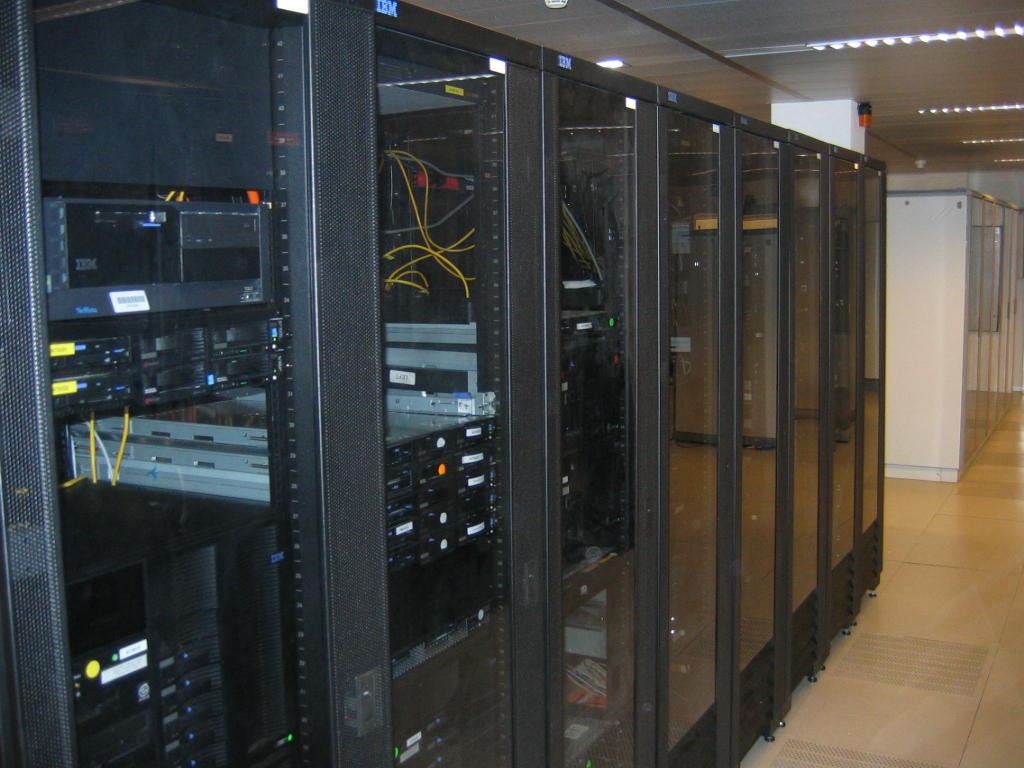
The hosted-server problem
LWN’s April 23, 2003 distribution coverage describes a Debian Planet article about replacing the operating system on a hosted server when the provider did not offer manual installation assistance. That situation demonstrates why remote installation techniques attracted interest. The precise original instructions have not been recovered.
Installing a distribution over an existing operating system differs from starting with an installation disc and a local console. Network access is the administrator’s connection to the machine. A failure in the new boot configuration or network setup can therefore leave a server inaccessible even if the underlying installation files are intact.
Preparation matters more than the installation command
Before changing a remote system, an administrator should establish whether the provider permits the operation and offers a rescue environment or out-of-band console. A verified backup must exist outside the system being modified. Recovery should be tested or understood before making changes that could interrupt the only working login session.
The Debian Installation Guide describes installation from an existing Unix or Linux system and explains the role of debootstrap in preparing a base system. This is a separate reference for the general technique, not a reconstruction of the original Debian Planet commands. Use documentation appropriate to the target release and architecture.
A practical lesson from early Linux hosting
Remote installation demonstrates the flexibility of Linux, but flexibility does not remove operational risk. Where a provider offers supported installation images, using that path may be simpler and safer. Test on a disposable machine before attempting a production migration.
Separate the proposed system from the running system
When a remote machine is running an operating system that will be replaced, the administrator needs to understand which resources belong to the old environment and which will be required by the new one. Network configuration, storage layout, authentication and boot settings may not be interchangeable. A successful preparation of a new filesystem does not prove that the new installation will boot and accept remote connections.
The Debian Installation Guide's explanation of preparing a system from an existing Unix environment gives readers a documented basis for understanding alternative installation approaches. A remotely hosted machine also requires a recovery method that does not depend on the configuration being changed. A provider-supported rescue environment or console can be important when the new system cannot be reached through its ordinary network interface.
The surviving LWN reference provides historical context rather than a complete sequence of commands. The exact original partitioning, bootloader and networking instructions should not be inferred from a general description. Current installations should be carried out only with authorization from the owner or provider and with verified backups and an appropriate recovery plan.
What makes remote installation different from a local installation?
A local installation usually gives the person performing it a way to interact with the machine even when the existing operating system is no longer running. With a hosted system, that access may depend on services supplied by the hosting provider. A conventional login session cannot continue to provide control after the environment supporting it has stopped. The preparation of a remote installation therefore needs to include a plan for the moment when the running operating system is replaced.
The problem described by LWN in 2003 is a useful example of why people investigated these methods. The user had obtained a hosted machine that ran another Linux distribution, but manual assistance with installing Debian was not offered. The surviving reference establishes that circumstance, not that a specific technique would work on every hosting service. Today’s hosting products differ greatly in their access to consoles, boot settings and installation images.
Preparing the target independently of the current system
An installation from an existing Unix-like environment can involve creating a target filesystem and installing a basic set of packages into it. The Debian installation documentation describes this general approach using debootstrap. That tool provides a way to prepare a Debian base environment without requiring that the entire installation take place through the ordinary interactive installer.
Preparing the base environment is only one part of the task. The resulting system needs the configuration required to operate on the particular machine. Its filesystem and boot arrangements must correspond to the actual storage layout. Its network configuration must allow it to communicate using the services and addressing supplied by the provider. A login method that works inside the original operating system may not automatically work in the target environment.
These questions can be examined without modifying a production server. An administrator can use a test machine or virtual environment to understand the process, investigate the requirements of the target release, and document the steps that would need to be adapted. The point of such a test is not to prove that a command sequence works on every server; it is to identify which assumptions the sequence makes.
What belongs in a migration inventory?
A useful inventory begins with data and services rather than a list of packages alone. The data may include databases, uploaded files, configuration records and material stored outside the obvious application directory. The services may depend on external systems, scheduled tasks, authentication settings or network access rules. A backup of a directory does not necessarily contain everything needed to restore a working service.
The inventory should also record how clients reach those services and what disruption would be acceptable. A system used only for experimentation has different continuity requirements from a machine that hosts a business application. For the latter, a separate replacement machine and a planned migration may be preferable to changing the existing system directly.
In either case, recovery needs to be independent of the environment being modified. If a backup is stored only on the same machine, an error affecting the storage layout may make the backup inaccessible at exactly the time it is needed. Similarly, a recovery procedure that requires an ordinary login to the newly installed system may not help when the boot or network configuration is incorrect.
Choosing between available installation routes
The existence of a remote installation technique does not make it the best option for every situation. A provider may offer a maintained Debian image, a rescue system, a virtual console or a migration service. These facilities can reduce the number of assumptions that the administrator needs to make. They may also provide a clearer recovery process if an installation fails.
An alternative approach is to prepare a new server and transfer the required services after testing. This keeps the existing machine available while the target environment is configured. It may require additional resources, but it also creates an opportunity to verify the new system before directing users to it. The appropriate choice depends on the provider’s facilities, the importance of the service and the resources available to the administrator.
The lasting value of the historical reference
The 2003 article belongs to a period when users were exploring ways to obtain their preferred Linux environment even when a provider did not offer a convenient installation option. It demonstrates the usefulness of understanding how the parts of an operating system are assembled. It also illustrates why control of a server includes more than the ability to log in and install packages.
A present-day administrator should begin with the provider’s supported options and documentation for the intended Debian release. The historical discussion can inform an understanding of the technique, but cannot establish the requirements of a modern server. Maintaining that distinction helps preserve the value of the old article without turning incomplete evidence into a production installation recipe.