Debian Woody and the Installation Experience
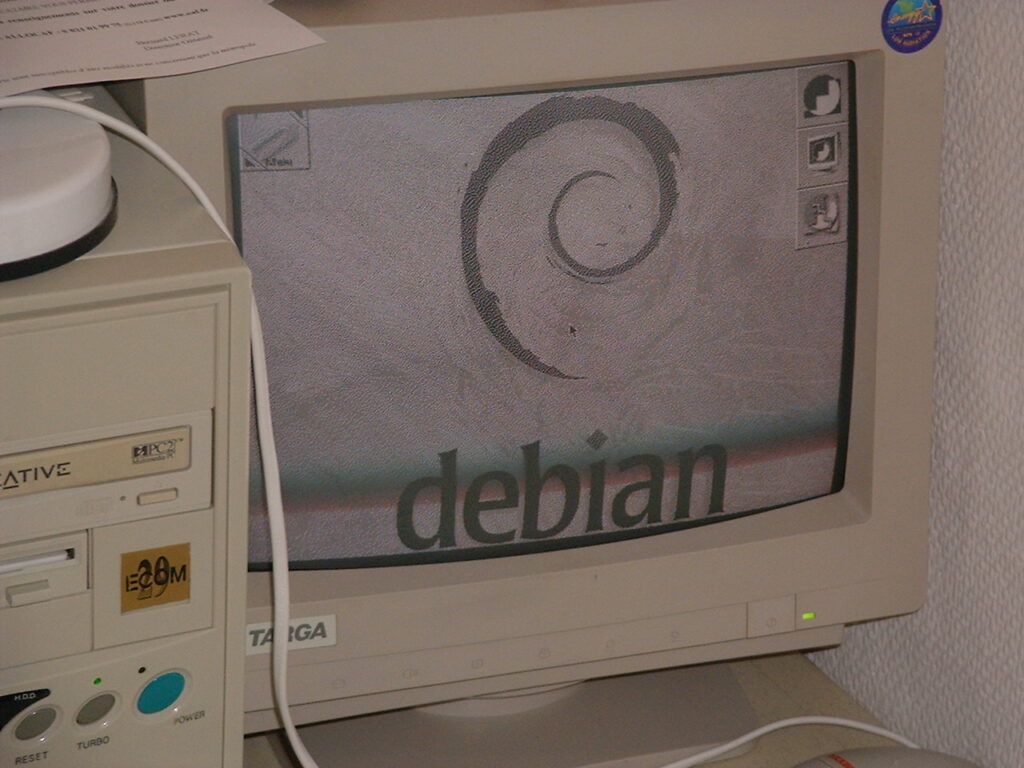
A stable distribution faces a usability test
Debian GNU/Linux 3.0, known as Woody, became available on July 19, 2002. Its arrival marked an important stage in the development of a community-maintained operating system. The release also raised a question familiar to anyone who has tried to introduce Linux to another person: how much of a distribution’s value can a new user appreciate before it has even been installed?
In October, OSNews reported on a critical Debian Planet review. The review questioned whether Debian’s installation experience was being judged by the same standards as competing distributions. Its author wanted the project to succeed but found it difficult to recommend the system to friends. The surviving report establishes that criticism; it does not provide a complete record of the author’s tests, hardware or conclusions.
The distinction between installation and everyday use
An operating system can be excellent at managing software once it is running while still presenting difficulties during installation. A person who has already configured a network, partitioned a disk and learned the names of the necessary packages experiences a very different product from someone confronted with those decisions for the first time.
Consider a computer being shared by a family. The owner may want to keep personal files on an existing operating system while trying Linux on another partition. The important question is not whether a partitioning utility exposes every technical option. It is whether the installer makes the consequences of those options clear enough for the owner to choose safely. An expert might prefer detailed control; a novice may need a plain-language explanation and a sensible way to leave without making changes.
An administrator installing a dedicated machine has a different priority. There may be no existing personal files to protect, but the administrator needs to know whether the installation can be repeated and maintained. Documentation of package choices, network settings and storage layout is valuable in that setting. A good installer can accommodate different levels of experience without treating one group as the only legitimate audience.
What installing Linux meant in 2002
The hardware environment matters when evaluating older software. Optical discs and floppy disks were common installation media, and downloading a complete distribution over the Internet was not equally practical for every household. A computer that could boot one type of media might not be able to boot another.
A Debian developer announcement from April 2002 invited people to test a Woody CD image before release. That request provides a concrete example of the work required to prepare installation media. Producing a disc image is not the end of the process: the image has to start successfully on real computers and allow installation to proceed.
The Woody retrospective published on the Debian project mailing list also records development difficulties around the installation system. These are useful primary records of release engineering rather than evidence that every installation encountered the same defects.
Making technical choices understandable
There are several ways an installer can turn a technically correct choice into a difficult experience. It can assume that a person knows the difference between a disk and a partition. It can show several package selections without explaining what each provides. It can report a failure with enough detail for a developer to investigate but not enough guidance for a newcomer to decide what to do next.
The solution is not necessarily to remove every advanced option. Some choices, especially those affecting storage and network access, deserve to be visible. An installer should instead present them in an order that matches the decisions a person needs to make. It should explain destructive actions before performing them, show a useful summary and provide a way to revise a choice before committing it.
The handling of errors is equally important. A failed network connection does not always require abandoning an installation. It may require correcting an address, choosing another mirror or using available local media. Clear recovery options reduce the burden on both users and the people who help them.
Packages, defaults and the first usable desktop
Selecting packages introduces a further design problem. A distribution may make thousands of programs available, but a person installing a first desktop does not necessarily know which components are required for a working environment. Presenting every package as an individual decision would expose the software collection without making it easier to use.
Grouping related packages can give a newcomer a useful starting point. Someone who wants an office computer can begin with a desktop and common applications, while a server administrator can choose a smaller environment. The choices remain open to revision after installation, when the person can evaluate actual needs rather than imagine every possible requirement in advance.
Defaults should also be evaluated in relation to the intended workload. A minimal server installation is not an incomplete desktop installation; it is a different configuration with different priorities. Conversely, a desktop without the tools its user needs may be technically functional but not practically ready. This is one reason an installation review benefits from stating its intended audience.
Reading the criticism in its historical context
The October review arrived during a wider discussion about Debian’s visibility in the Linux press. Some readers valued its technical foundations and were comfortable configuring systems themselves. Others saw the installation experience as a barrier to broader use. These positions are not mutually exclusive: a project can have strong engineering and still benefit from work on accessibility.
The contemporary OSNews report and its discussion capture opinions rather than controlled comparisons. We cannot use them to calculate failure rates or determine which distribution would have performed best on an arbitrary computer. A retrospective should preserve that limitation instead of turning a critical review into a sweeping judgment about Woody.
A more informative comparison would specify the hardware, installation media, available network connection, desired result and prior experience of the person performing the task. It would distinguish time spent downloading files from time spent making choices or recovering from errors. Such distinctions make an installation review useful to developers who want to identify problems they can actually fix.
From Woody to a different installation system
Debian’s next major release brought a significant change. The project’s official release history describes Sarge as introducing the modular Debian Installer, with improved hardware detection and support for unattended installation. A March 2005 release candidate announcement shows that the installer went through dedicated testing before the distribution was released.
These developments should not be attributed to a single review. They represent a larger engineering effort. The alternative installer experiments discussed in the Linux community during the same period also illustrate the interest in making installation more approachable. Together, these records help explain why the installer was an important area of development between Woody and Sarge.
What remains useful today
For a present-day reader, the official Woody release page is a historical resource, not a recommendation to run an obsolete distribution on a connected computer. Anyone planning a new installation should consult the current Debian release information and the documentation appropriate to the intended hardware.
The enduring lesson of the 2002 debate is that usability deserves engineering attention in its own right. A successful installation does more than copy software onto a disk. It helps the user understand what has been installed, how to maintain it and how to recover when something does not go according to plan. That experience is part of the operating system’s quality, not an unrelated cosmetic detail.