Debian System Administration and Security
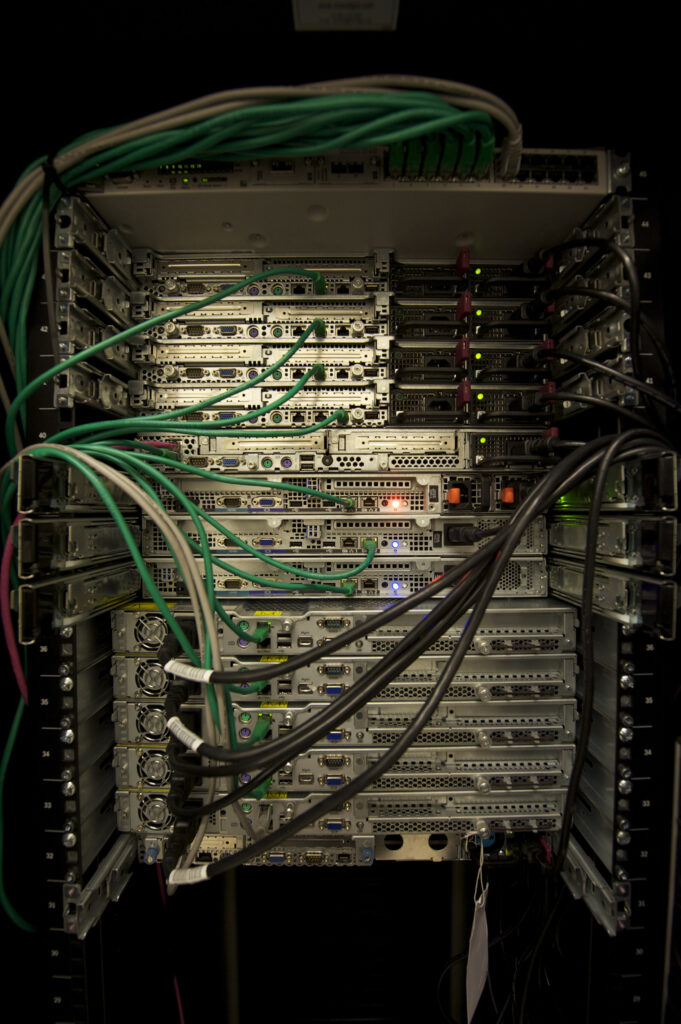
Good Debian system administration is a routine rather than a one-time installation task. A machine may operate reliably for months while its software becomes outdated, storage fills up or backups quietly stop running. Maintaining it requires knowing what services are installed, how software is updated and how to recover when something goes wrong.
Know the release and update sources
Record the installed Debian release and review whether it is still supported. Use repositories intended for that release, and follow the official upgrade instructions when moving between major versions. The Debian security information page publishes security advisories and explains how maintained releases receive updates.
On a supported system, periodically refresh package information and review available updates. A typical command is apt update, followed by reviewing the proposed upgrade before applying it. Administrators should plan maintenance windows and account for services that may need restarting. The guide to package dependencies explains why an update may involve several related packages.
Reduce unnecessary exposure
Keep only the services needed for the machine’s purpose. Use individual user accounts, appropriate file permissions and narrowly scoped administrative privileges. Review listening network services and restrict remote access to authorized users and networks. Check logs regularly, especially following unexpected failures or configuration changes.
Historical incidents remind us why recovery plans matter. The Debian server compromise of November 2003 provides context for the importance of verifying infrastructure and responding carefully to security problems. A modern administrator should consult current advisories rather than applying old incident-specific recommendations unchanged.
Make recovery practical
Back up important data and configuration to a location separate from the system. Test restoring files periodically, document access requirements and retain a record of significant changes. If a system is suspected of being compromised, isolate it appropriately and preserve evidence rather than assuming a package upgrade will remove the problem.
For more detailed maintenance guidance, see the Debian Reference and the security FAQ. Return to the Debian Planet homepage to browse other installation and administration topics.