Planning Backups and Testing Recovery on Debian
A backup is only useful if it can be restored
Regular system maintenance does not eliminate the risk of hardware failure, accidental deletion or a bad configuration change. A backup plan should begin with the files and services that matter most. For a desktop system, this could include documents, photographs and personal settings. For a server, it may include application data, service configuration and the information required to rebuild the environment.
Identify what needs to be saved
Make an inventory of user data, locally maintained configuration and application-specific storage. Files under a user’s home directory are only one part of that inventory. System configuration is commonly stored under /etc, while service data may live elsewhere. Check each service’s documentation before copying a live database; an ordinary file copy may not produce a consistent database backup.
Record the installed package set and the Debian release in use. Package records help reconstruct the software environment, but they are not a substitute for application data or local changes.
Keep independent copies
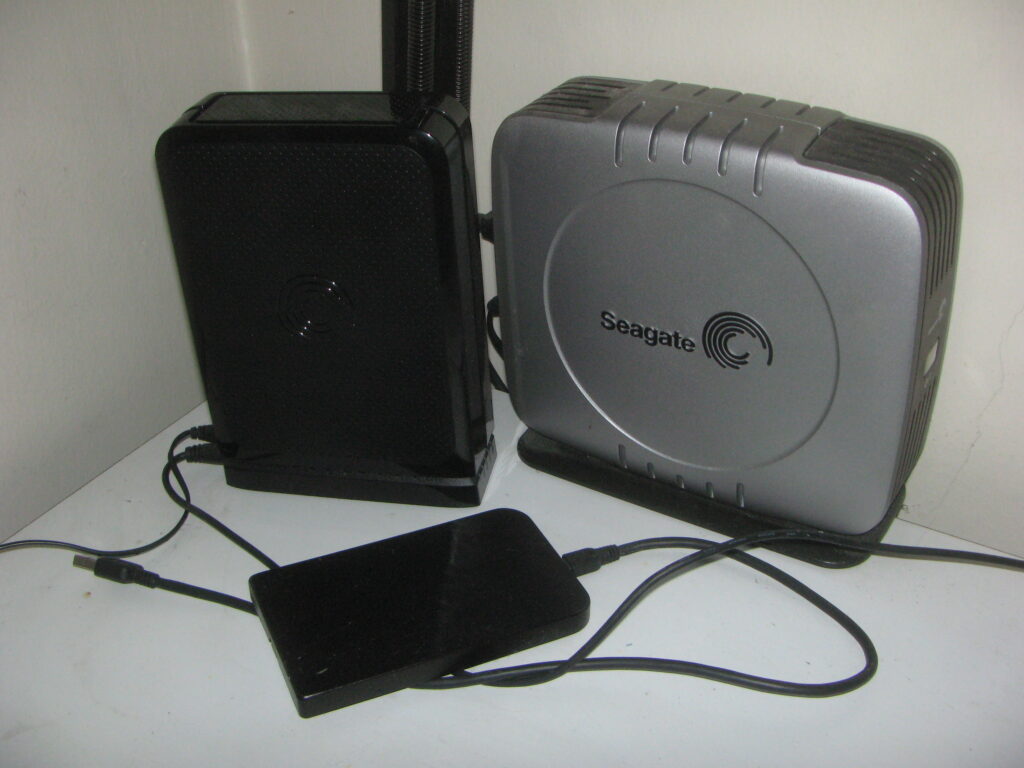
Choose a backup destination that does not depend entirely on the source machine. A removable disk or a separately administered backup service can reduce the effect of a single hardware failure. Keep at least one copy protected from routine writes and consider encryption for sensitive files. A retention policy should allow recovery from a mistake discovered days or weeks after it occurred.
Practice a restore
Test restoring a small selection of files to an isolated directory. Verify their contents, permissions and ownership where those properties matter. For an application, restore a representative copy in a test environment and check that the service can actually read the recovered data. Document the procedure while the original machine still works.
The Debian Reference on data management covers tools and approaches for handling files and backups. Readers planning a major upgrade can also consult release upgrade planning and system administration and security. Find additional resources on the Debian Planet homepage.