Diagnosing Basic Network Connectivity on Debian
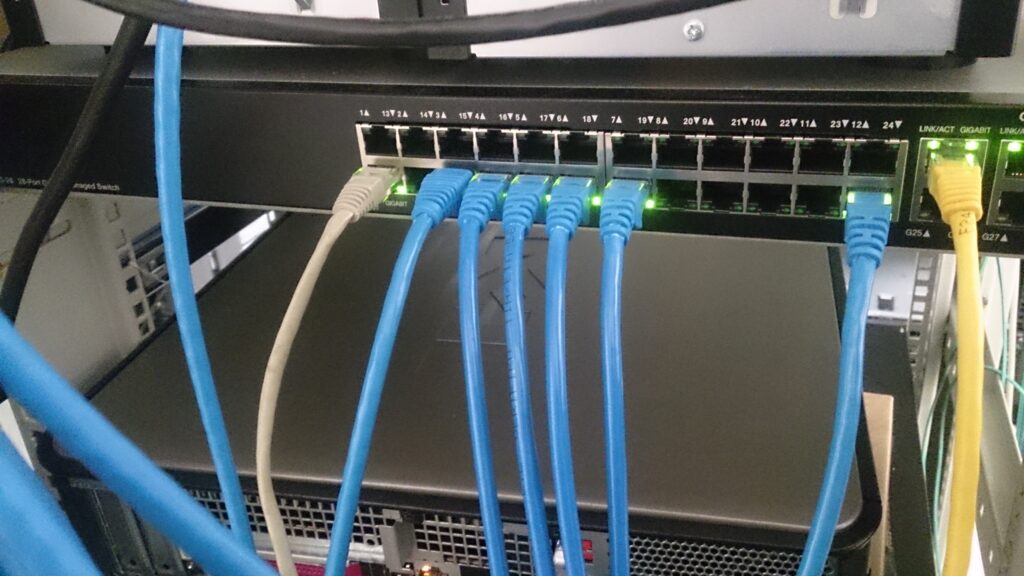
Separate the possible causes
A computer that cannot reach a website does not necessarily have a broken network connection. The problem could be a disconnected cable, missing driver, absent address, incorrect default route, unavailable DNS resolver or an application-specific failure. Testing these possibilities in order makes it easier to diagnose the fault without replacing a functioning configuration.
Start with the interface
Check the physical connection and whether the system detects its network interface. On current Debian systems, ip link can show interfaces and their link state, while ip address displays configured addresses. On older systems the equivalent information may be available through different utilities. Record what you see rather than relying on an assumed interface name.
If the computer uses automatic addressing, check whether it obtained a suitable address from the local network. A manually configured address must fit the network’s addressing scheme and must not conflict with another device.
Inspect routes and name resolution
Use ip route to review the routing table. Reaching a local device and reaching an external network are separate tests. If local communication works but external connectivity fails, examine the default route and the gateway. Some networks filter diagnostic traffic, so a failed ping alone is not conclusive.
When numeric destinations work but names do not resolve, examine the DNS configuration. The command getent hosts example.org queries the system’s configured name resolution mechanism. Check whether the local network supplies the intended resolver before changing system files.
Avoid changing a remote connection blindly
Restarting an interface over an SSH session can disconnect the administrator. Arrange console access or a rollback plan before changing a remote server. Debian’s network setup guide explains common configuration methods, which can differ between installations.
For related topics, read about remote Debian installation and network boot with PXE. More articles are available on the Debian Planet homepage.