Running Debian on Older Computer Hardware
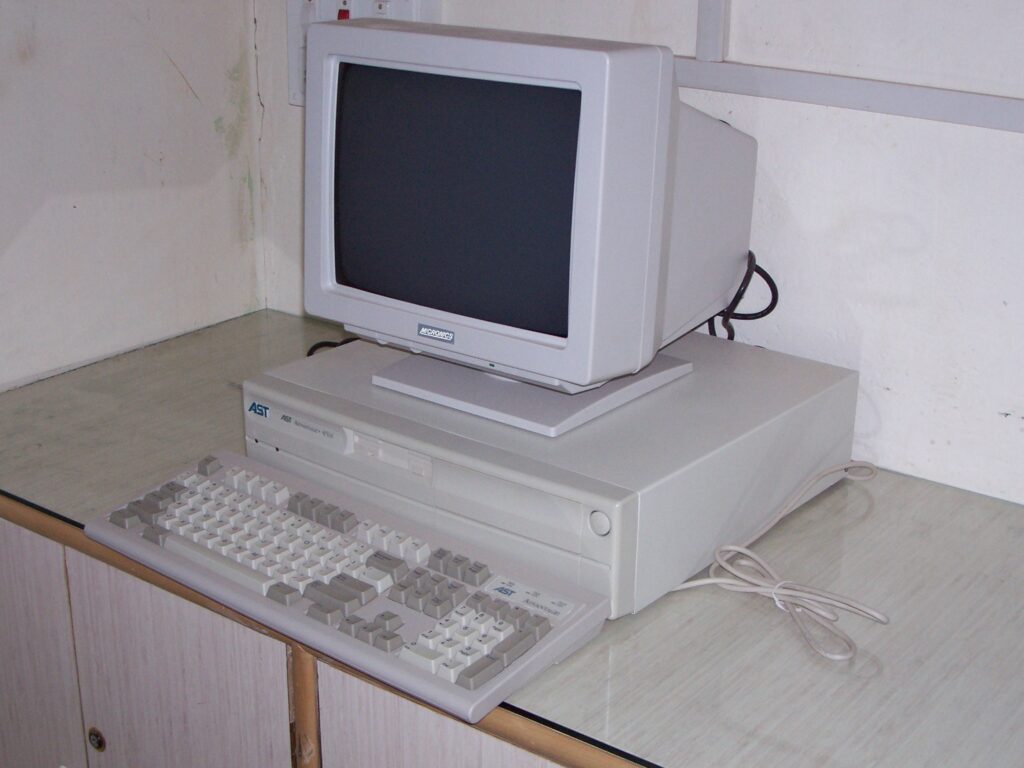
Older computers can remain useful for writing, local experiments, learning system administration and other modest tasks. Debian offers a flexible installation approach, but the age of a machine alone does not tell you whether it can run a supported release. Processor architecture, available memory, storage reliability and the intended workload all matter.
Check the architecture before downloading an installer
Start with the processor model and its supported instruction sets. Some older PCs are limited to 32-bit software; others can run 64-bit systems despite their age. Debian’s supported architectures have changed across releases, so consult the official release pages rather than assuming that an old installer and a current release support the same hardware.
Debian’s early support for several hardware architectures helped it reach computers beyond ordinary desktop PCs. The discussion of the AMD64 port during Sarge development is one example of the work needed to support a different processor platform.
Choose the software for the machine
Check physical memory and storage health before installing. Back up files to separate media and verify that the backup is readable. A slow or failing disk can make even a minimal system unreliable. For a machine used only as a local command-line workstation, installing a full graphical desktop is unnecessary. A lightweight graphical environment may make sense if the user needs a browser or basic office tools, though modern web applications can still be demanding.
Some older computers cannot boot from USB. Depending on the hardware and installer support, optical media or a network installation may provide an alternative. Our guide to PXE-based Debian installation explains the idea of booting an installer over a local network.
Test before committing
Check display, keyboard, storage and networking before relying on the machine. A successful boot does not establish that every device has suitable drivers or firmware. The installation guide for the chosen release is the authoritative place to check hardware requirements and known restrictions.
Old Debian releases are interesting for retrocomputing, but they should not be treated as secure general-purpose internet systems after support ends. For a daily-use machine, choose a maintained operating system compatible with the hardware; if none is available, consider an isolated lab role instead. Visit the homepage for additional Debian technical articles.