Understanding Firmware and BIOS Updates on Debian Hardware
Identify the issue
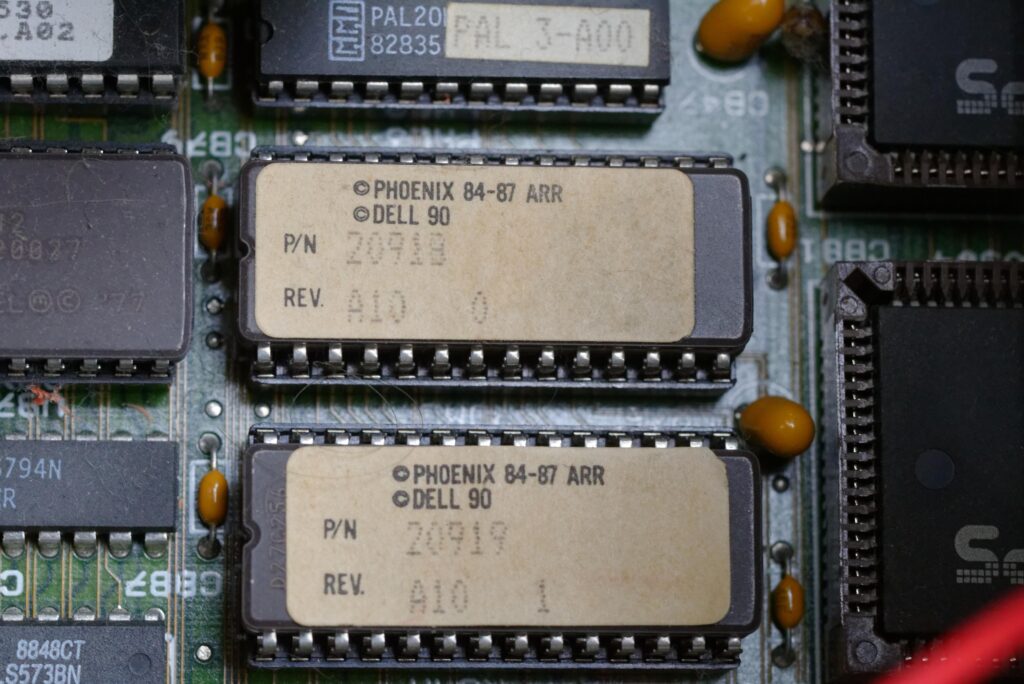
Firmware is software that runs inside a device, and it may be updated independently of the Debian operating system. The term covers motherboard BIOS or UEFI firmware as well as firmware used by peripherals. Identify the exact machine model, hardware revision and current firmware version before deciding whether an update is appropriate.
Check the system
Use official manufacturer documentation and Debian’s supported firmware mechanisms. Some modern hardware offers updates through fwupd, while other devices require a manufacturer-specific process. Do not assume that a file for a similar model is compatible. Read release notes and check whether the update addresses a problem relevant to your machine.
Document a reliable approach
Before a firmware update, back up essential data and ensure stable power. Follow the vendor’s recovery and update instructions; interrupting an update can leave a device unusable. If the device has no documented supported update method, obtain qualified assistance instead of experimenting. Distinguish updating firmware stored on a device from installing a firmware package loaded by the Linux kernel at startup.
For a related practical guide, read hardware detection in Debian. Browse more articles on the Debian Planet homepage.