Understanding Laptop Battery Life and Suspend on Debian
Identify the issue
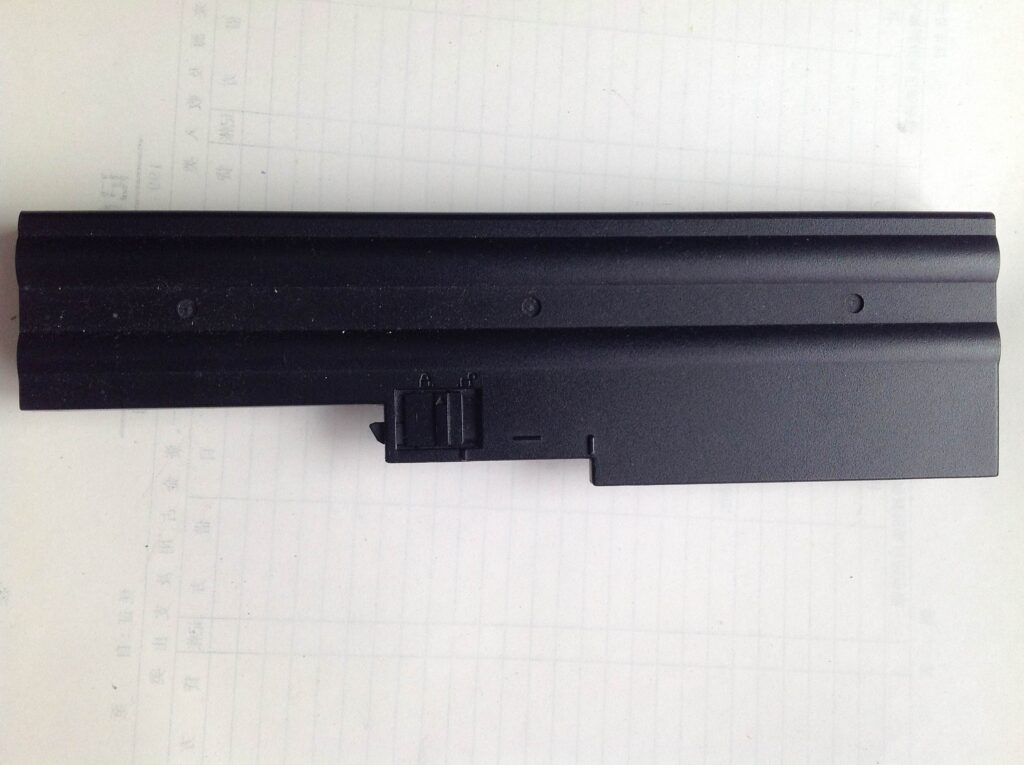
Laptop battery life depends on screen brightness, workload, battery condition, wireless devices and hardware support. Rather than applying many optimization settings at once, observe battery use during a normal session. Note which applications are active and whether the laptop is operating on battery or mains power.
Check the system
Suspend preserves a running session while reducing power use, but the machine still needs enough energy to resume. Test the suspend and resume process with important work saved. Confirm that the screen, network and input devices return to normal. If a laptop becomes unusually hot while suspended or fails to resume, stop relying on that mode until the issue has been investigated.
Document a reliable approach
Current Debian releases provide desktop power-management options and various system tools, while older hardware may use different interfaces. Consult the documentation for your release and model. If a battery is swollen, damaged or overheating, stop using it and seek appropriate service. Software settings cannot restore the physical health of a failing battery.
For a related practical guide, read everyday desktop use. Browse more articles on the Debian Planet homepage.