Knoppix 3.1 and the Debian Live CD Experience
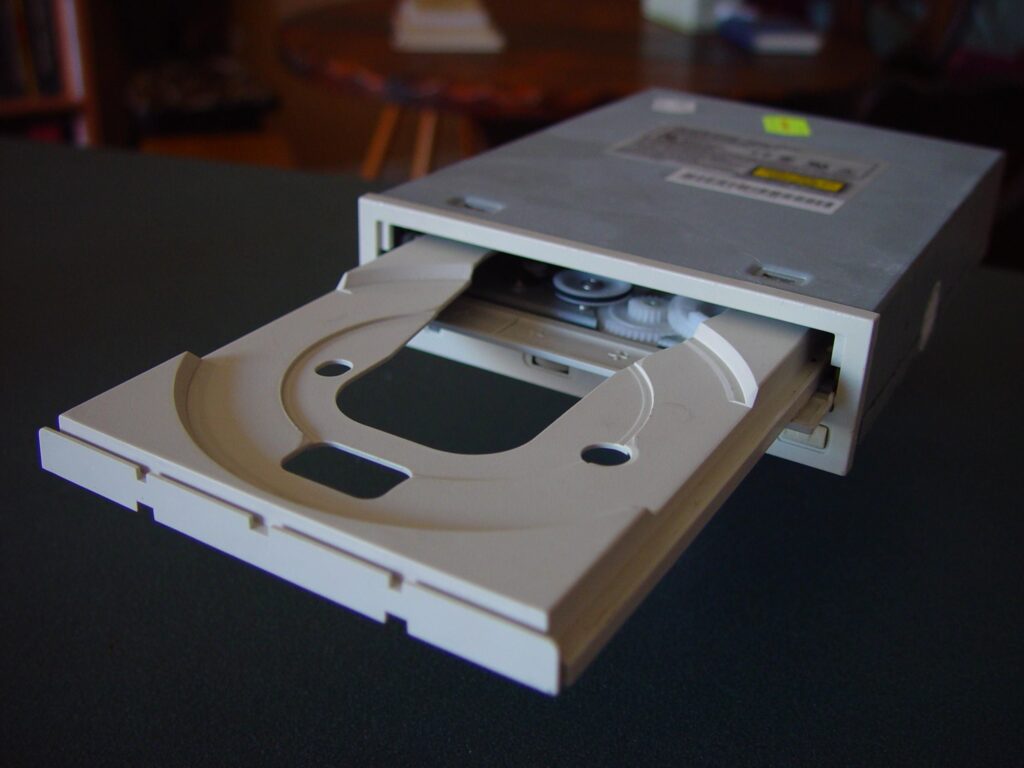
Trying Linux before committing to installation
An August 2002 Slashdot discussion refers directly to Debian Planet’s Knoppix article and debates the distribution’s Debian relationship. A July 2002 message from Klaus Knopper documents a pre-3.1 testing release. These references establish a period of development and community experimentation, rather than a single immutable package list for every disc labeled 3.1.
Knoppix helped demonstrate an alternative to the traditional installation-first approach. By starting a usable Linux environment from removable media, a user could explore the desktop and assess hardware compatibility without first performing a conventional disk installation. This lowered one important barrier for people unfamiliar with Linux, although any subsequent interaction with local disks still required care.
Why live media mattered
A live system must balance several requirements: booting reliably, identifying hardware, making enough software available to be useful, and operating within the constraints of removable media. Compression can help fit a larger collection of software onto a disc, while memory and optical-drive performance influence the experience of using it.
Debian’s package collection provided a valuable foundation for derivatives addressing these kinds of problems. Nevertheless, a live distribution has its own integration decisions, and its components should not be presumed identical to a particular Debian stable release.
Distinguishing the different 3.1 reports
Linux.com’s December 2002 Knoppix 3.1 release coverage describes a later build with a different feature set. Readers should avoid attributing every December detail to the August discussion. The broader importance of Knoppix lies in allowing people to evaluate Linux in a relatively reversible way. Modern live systems continue to serve purposes such as evaluation, repair and education; historical discs, however, are not suitable replacements for maintained rescue media.
The optical disc as a distribution medium
To appreciate this approach, consider the conditions under which a desktop system was distributed in 2002. An optical disc was a practical way to carry an operating system between computers without carrying a hard drive. Yet the capacity of a typical CD imposed a finite budget on the developers. Including one more application could require omitting another, choosing a smaller alternative, or changing how files were stored. The result was an exercise in integration as much as in software selection.
A live environment differs from an installed system in how it uses storage. A conventional installation can write changes directly to the disk that contains the operating system. A CD is normally read-only, so a live system needs another place for temporary files and settings. Memory can provide that space, but the changes ordinarily disappear on shutdown unless they are saved elsewhere. This difference affects the design of the desktop and the expectations that should be set for users.
The separation also explains why a live system is valuable for diagnosis. If an installed system fails to start, a separately booted environment can help establish whether the machine is still capable of loading another operating system. It does not prove the cause of the failure, but it gives the person investigating an independent working environment. Accessing or repairing the contents of another disk remains a separate task, with its own risks and permissions.
Hardware detection and the first impression
The August 2002 discussion is particularly useful because its opening message describes a real machine on which the disc started successfully, including audio. That individual result is not a compatibility survey. Nevertheless, it illustrates the kind of experience that could make a demonstration persuasive: rather than reading about an operating system, the visitor could see it working on a familiar computer.
Hardware discovery has several layers. A device must first be recognized, then matched with appropriate software, and finally made available to the application that uses it. A functioning display, for instance, is not proof that every graphics feature is available. Sound output does not establish that every audio input works. A useful live distribution makes common configurations approachable while retaining diagnostics for devices that require attention.
This matters for evaluating the desktop. A visitor who cannot reach a usable display may never discover the applications on a disc. Conversely, a demonstration that starts smoothly gives users a chance to explore Linux without beginning with partitioning decisions. The advantage is not that the system removes every technical difficulty; it changes the order in which those difficulties become relevant.
The relationship between live and compact distributions
The developers of compact Debian distributions addressed a related but distinct problem: how to provide an installation environment or useful base system with limited media space. MiniWoody and Bonzai Linux belong in that discussion. A comparison should ask whether the disc is designed primarily to run an operating system, install one, or provide both capabilities. Merely sharing a Debian foundation does not make the projects interchangeable.
Likewise, a distribution built from Debian packages may use its own combinations of drivers, configuration files and applications. Checking the parent project’s release notes is useful, but it cannot replace documentation for the particular live image. For historical investigation, identify the date and version printed on the disc or recorded in the release announcement before drawing conclusions about its contents.
Evaluation without unnecessary risk
A live system offers a useful model for reversible testing. Before committing to an unfamiliar operating system, users can inspect the interface, test a keyboard or network connection and determine whether the included applications suit their needs. This is not a guarantee that a later installation will behave identically. Storage settings, firmware configuration and changes made during installation can produce different results.
The same distinction applies to historical demonstrations. A collector may wish to run an old image in an isolated virtual machine to understand the desktop conventions of that era. That is quite different from using the image to browse the modern web or to store important information. Outdated packages and certificates may create failures and security exposure even when the operating system appears to work. An authenticated, maintained distribution is a better choice for contemporary repair and evaluation.
A live environment can also assist teaching. Students can explore the concepts of a filesystem, a process, a desktop session and package dependencies before modifying a permanent installation. In a classroom, the ability to reset the environment between sessions reduces the consequences of an accidental configuration change. This explains a continuing advantage of temporary environments, independent of any one Knoppix release.
What survives from the 2002 discussion
The sources preserve enthusiasm about using an independent Linux desktop as a demonstration and practical tool. They do not establish the exact configuration of every Knoppix 3.1 image, nor the experience of every user. The most useful historical conclusion is narrower: a live CD made experimentation possible without requiring an installation first. It changed the relationship between discovery and commitment. For Debian-based desktop systems, that was a significant design choice, and it remains worth distinguishing from the separate task of producing a smaller installation disc.
Identifying the media itself
For anyone cataloging a surviving Knoppix disc, the label, release date, checksum if available, and origin of the image are worth recording separately. A handwritten label may identify the intended version without proving the contents. A dated announcement can help establish the appropriate reference point. This is particularly important when comparing pre-release builds with a later public release carrying the same version number. A precise identification makes subsequent observations much more useful to other readers.