HomePNA Networking on Debian
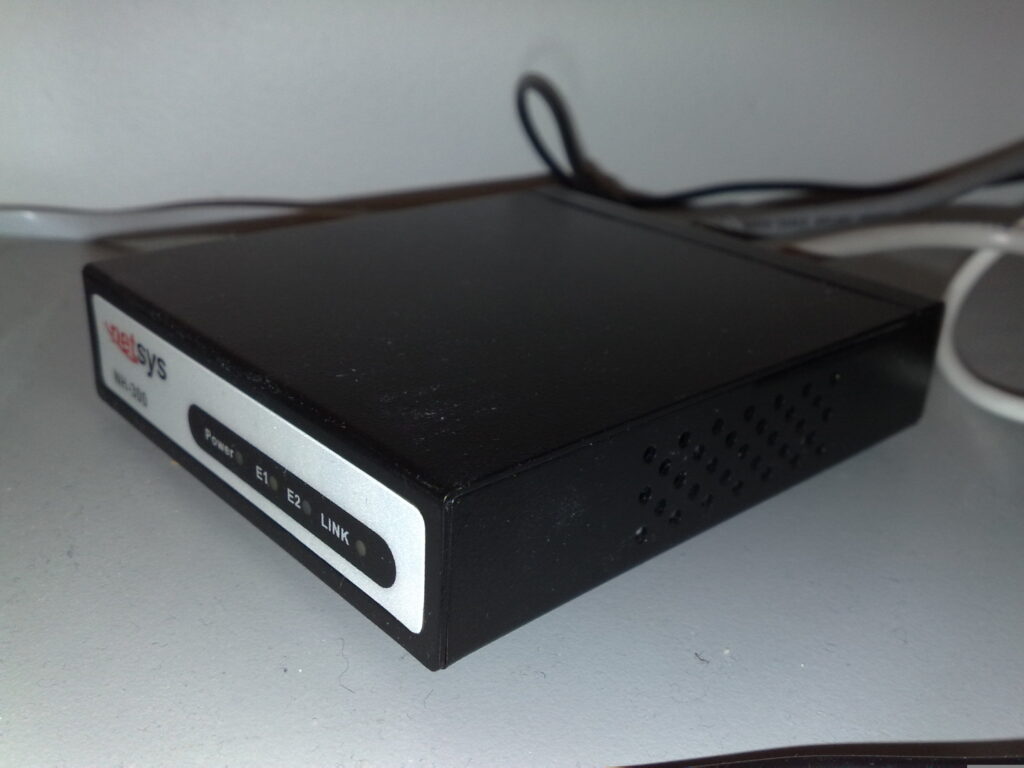
Networking with existing wiring
The July 2002 Debian Weekly News translation records that Jeremy Avnet posted a reference to a HomePNA configuration guide on Debian Planet. The newsletter preserves the old article identifier as sid=704. HomePNA offered a way to connect computers using existing telephone wiring, an attractive option in buildings where installing new network cables was inconvenient.
The physical connection, however, was only part of the problem. Linux needed drivers that could communicate with the particular networking chipset. A card advertised as supporting the same networking standard as another card was not necessarily supported by the same driver.
Driver compatibility
A July 2003 LEAF mailing-list discussion refers directly to node.php?id=704 while discussing Broadcom-based adapters and the limitations of precompiled driver objects. The correspondent expressed uncertainty about compatibility with a newer Bering kernel rather than reporting a successful installation.
This matters because kernel modules are sensitive to the kernel environment for which they were built. Access to source code, accurate hardware identification and a supported kernel can make a significant difference to maintainability. A historical download should not be presumed compatible with a current Linux distribution.
What remains useful
HomePNA is an example of a practical constraint influencing networking design: the available wiring can determine which technology makes sense. Before selecting any present-day networking solution, consider hardware support, throughput requirements and whether replacement equipment is available. This retrospective is not an installation recipe for obsolete drivers.
Two layers of a home network
The physical medium and the operating system’s support for a network adapter are separate questions. A telephone-line network can appear attractive because it makes use of cabling that is already present. Yet the computer still requires a device that converts the signals on that wiring into a network interface that the operating system can use. The physical availability of the wiring does not establish the compatibility of the adapter.
The surviving newsletter is precise about what Debian Planet published: a reference to a guide, rather than proof that every HomePNA configuration was documented or tested by the site. The Portuguese translation preparation record preserves the exact historical link and identifies the separate HOWTO. This evidence helps distinguish the community news item from the underlying technical documentation.
Identifying an adapter before considering its driver
Network hardware can be marketed under a manufacturer’s brand while relying on a chipset made by another company. Two products sold for the same standard can have substantially different support requirements. Even revisions of an adapter with the same product name may differ. That makes the exact device identity more useful than a generic claim that a particular networking technology works with Linux.
A modern Linux administrator can often identify a PCI or USB device using system tools and inspect messages associated with the driver that handles it. The principle applies to the old hardware, but current tools and driver availability should not be assumed to match the 2002 environment. Installing Debian Woody on an old computer involved assessing a different set of supported devices than a current distribution does.
The 2003 discussion of precompiled drivers illustrates a second complication. A module built for one kernel may not be suitable for a different kernel build. It is not enough for the object file to exist or for the file name to resemble the expected driver. Support for the device and compatibility with the running kernel both need to be established.
Diagnosing a networking problem by layers
Imagine a computer connected to a telephone-line adapter that cannot reach another computer. The problem could arise because the physical link is not established, the operating system has not recognized the adapter, or the interface has no suitable network configuration. A correct diagnosis depends on establishing which layer is failing before changing settings elsewhere.
A visible network interface is a useful sign, but it does not demonstrate that data can reach its intended destination. Conversely, an application that cannot reach a server does not prove that the adapter driver is defective. The distinction between device recognition, local connectivity and higher-level network services is useful across many networking technologies.
This example is not a reconstruction of the old HomePNA instructions. It explains why a reference to a configuration guide attracted attention in a community where hardware support and installation were important practical topics. Readers researching old equipment should compare its documentation and driver requirements rather than use an unknown binary obtained from an old download location.
Why a wiring constraint can change the design
The use of existing telephone wiring was one response to a familiar networking problem: the cost and inconvenience of installing dedicated cables. Other buildings may have different constraints, and technologies appropriate for one installation may be unsuitable for another. A useful assessment considers the actual wiring, equipment support, maintenance requirements, and the applications that will use the network.
The historical reference remains relevant as an illustration of the way Linux users evaluated new networking hardware. It does not establish that HomePNA is a preferred technology today or that a particular old driver will operate safely on a supported system. The original reference and its later discussion are useful records of the problem, while present-day networking decisions need current hardware and software evidence.
A maintenance decision as well as an installation decision
An adapter that works once is not necessarily a good long-term choice. A system administrator also needs to consider what happens when the kernel is updated, when a computer is replaced, or when the original supplier stops distributing software. A device whose support depends on a binary created for a particular kernel can become difficult to maintain even if the initial configuration succeeds.
This was an important practical distinction in a period when Linux hardware support was changing rapidly. A source-available driver could give maintainers a way to investigate compatibility problems and adapt the software, subject to its license and the availability of knowledgeable contributors. It would not guarantee that the device remained supported forever. Conversely, the presence of an old driver file does not mean that its contents are suitable for a different kernel or hardware revision.
A useful record of an installation would identify the adapter model, its device identifiers, the relevant driver, the operating-system release and the kernel version. It would also say which functions were actually tested. For example, recognizing an interface at boot is a narrower result than demonstrating reliable communication between computers over the intended wiring. Recording that distinction can make a technical report more useful to somebody investigating similar equipment later.
Comparing the needs of the users
The amount of network capacity needed by a household depends on the tasks it performs. Sharing small documents, accessing a network printer and transferring large media files place different demands on the connection. The stability and availability of the connection also matter: an intermittent network can make even relatively modest tasks frustrating.
A historical report on HomePNA can therefore be read as an example of evaluating equipment against a practical requirement, not as a recommendation to install the same technology today. The most useful question is whether the proposed connection satisfies the tasks of its users and can be maintained on the systems they actually run. The newsletter’s reference to a guide and the later discussion about driver compatibility represent two distinct parts of that evaluation. One identifies a possible way to configure the technology; the other illustrates why compatibility needs to be established for the particular Linux environment.