Separating Hardware Power Faults from Debian Software Problems
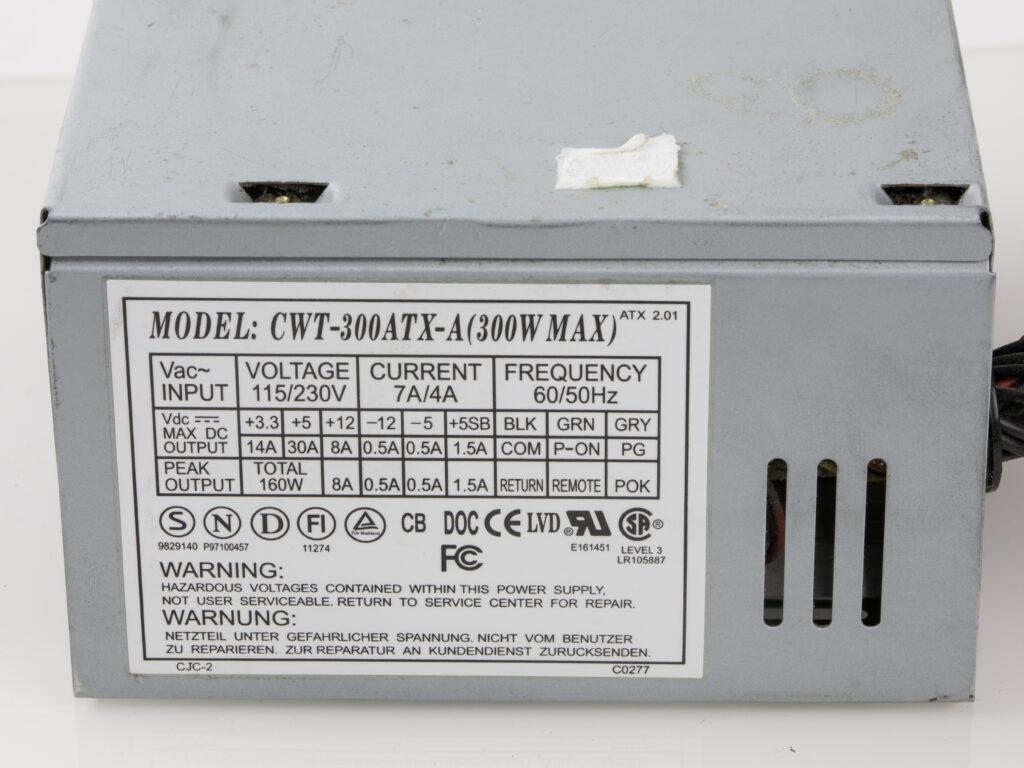
Identify the issue
A sudden power loss can look like an operating-system crash, yet the causes range from a loose connector to a faulty power supply or an unstable electrical connection. Start by recording what happened: did the machine restart, freeze, shut down cleanly, or lose all power? Check whether the same behavior occurs before Debian starts. This separates many hardware faults from desktop application problems.
Check the system
Inspect the system log after a reboot for messages preceding the failure. An abrupt end to the log may be consistent with a loss of power, but it does not establish the cause. Test a different known-good external power cable or outlet if safe. Disconnect unnecessary peripherals only while the machine is off. Do not open a power supply or touch its internal components; seek qualified help for suspected electrical faults.
Document a reliable approach
When the system is stable enough to use, note whether failures occur under ordinary load or during a particular task. Preserve a copy of important files before repeating tests. If a clean boot from trusted installation media fails in the same way, that observation can help a technician distinguish an operating-system issue from a physical problem.
For a related practical guide, read hardware detection and kernel modules. Browse more articles on the Debian Planet homepage.