Monitoring Temperature and Cooling on a Debian Computer
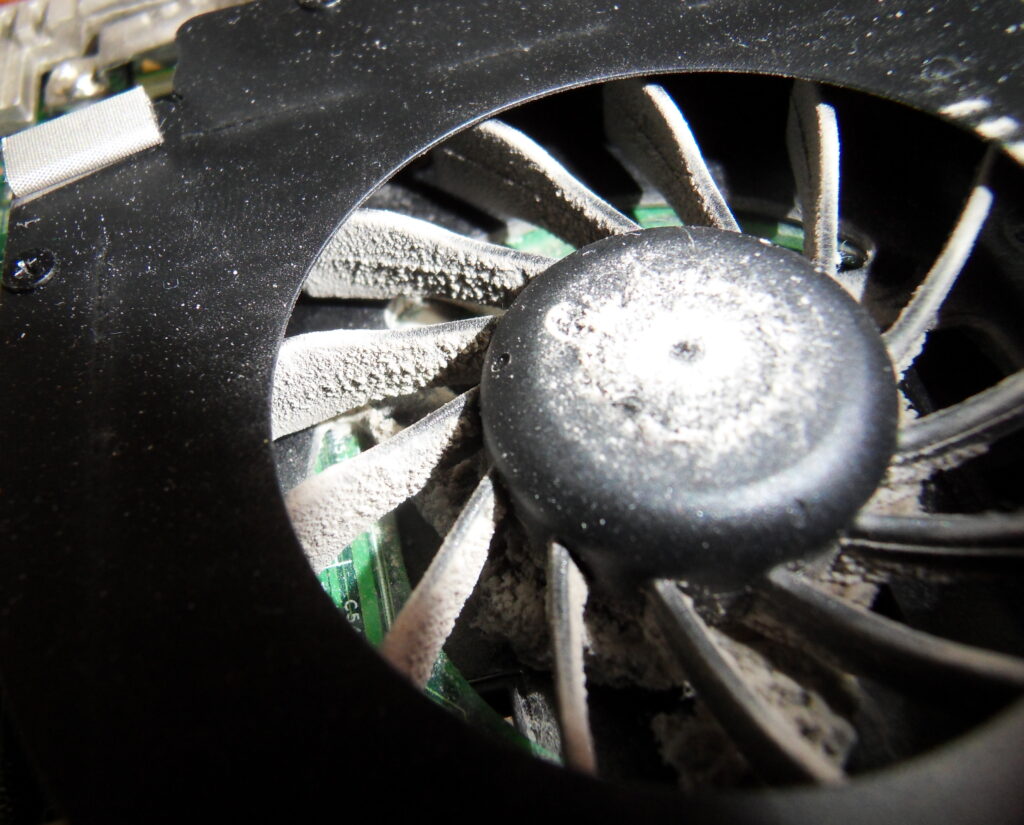
Identify the issue
Heat can cause a system to slow down, become noisy or shut down under load. Debian can expose some hardware temperature readings through the Linux kernel, but the available sensors depend on the motherboard and driver. Establish a baseline at idle and during an ordinary workload. A missing sensor value is not proof that a component is running cool.
Check the system
Check airflow and fan behavior before changing software settings. Turn the computer off and disconnect power before handling accessible components, and follow the manufacturer’s service instructions. A laptop placed on a soft surface may block vents. If you suspect a failing fan, stop using the computer for demanding tasks until the fault is examined.
Document a reliable approach
Utilities in the lm-sensors package can help read supported sensors. Consult the documentation for the machine rather than relying on a universal temperature threshold. Keep a short record of the workload, temperature trend and time of unexpected events. Never disable thermal protection to improve performance. Those observations provide better evidence than a single maximum reading.
For a related practical guide, read reading system load. Browse more articles on the Debian Planet homepage.