Scanning Documents with Debian and SANE
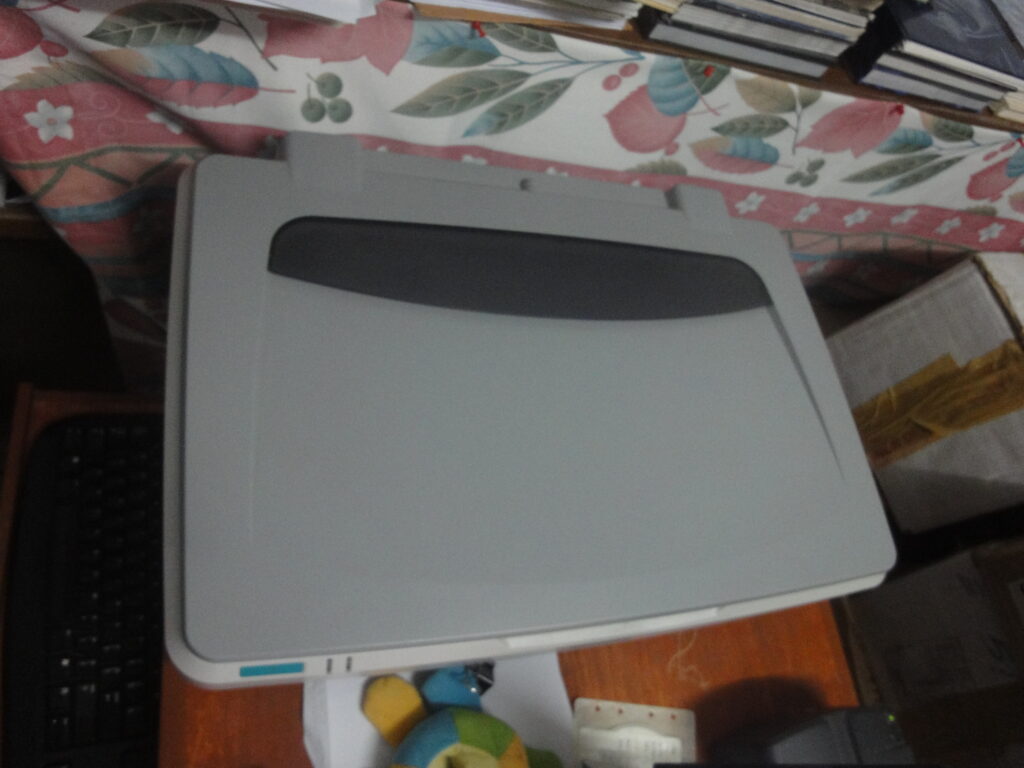
Identify the issue
Document scanners can be used on Debian through SANE-compatible tools and, on some newer network devices, driverless scanning protocols. Begin by identifying the scanner model and connection. A device that works as a printer may have a separate scanning interface, so test each function independently.
Check the system
Use a supported scanning application to make a small preview. Choose a resolution appropriate to the document: higher resolution creates larger files and may not improve the readability of ordinary text. Verify that the entire page is visible, the orientation is correct and the resulting image opens before scanning a large collection.
Document a reliable approach
If the scanner is not detected, confirm the cable or network connection and consult the SANE backend information for the device. Do not make device nodes world-writable as a shortcut. For confidential documents, store the output in a folder with suitable permissions and remove temporary copies when no longer needed. Organize filenames consistently so a collection remains easy to retrieve.
For a related practical guide, read everyday Debian desktop work. Browse more articles on the Debian Planet homepage.