Choosing Keyboard Layouts and Input Languages on Debian
Identify the issue
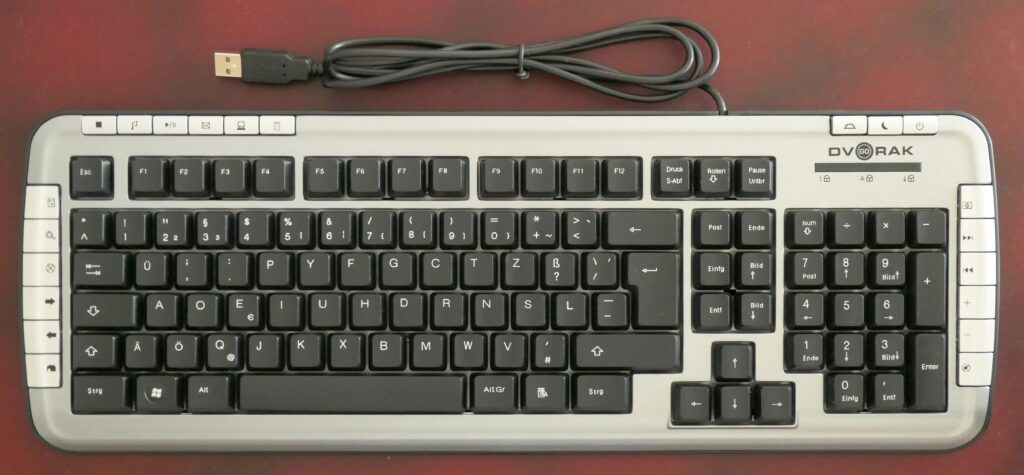
A keyboard layout describes the characters produced by physical keys, while a locale affects other conventions such as language, date and number formats. These settings can be changed independently. A user who writes in several languages may prefer a familiar physical keyboard and switch layouts only when necessary.
Check the system
Use the desktop input settings to add the required layouts and select a comfortable switching method. Test punctuation, accents and special characters in a text editor. In some installations, the console and graphical desktop have separate keyboard configuration; a layout that works after login may not be active at an early boot prompt.
Document a reliable approach
Keep at least one familiar layout available before changing login settings. If multiple users share the computer, prefer per-user desktop preferences when possible. When reporting an input problem, describe the physical keyboard, selected layout, application and whether the issue is limited to particular characters. This is more useful than describing the keyboard as generally broken.
For a related practical guide, read keyboard shortcuts and productivity. Browse more articles on the Debian Planet homepage.