Reusing Wireless PC Cards with Debian
Identify the issue
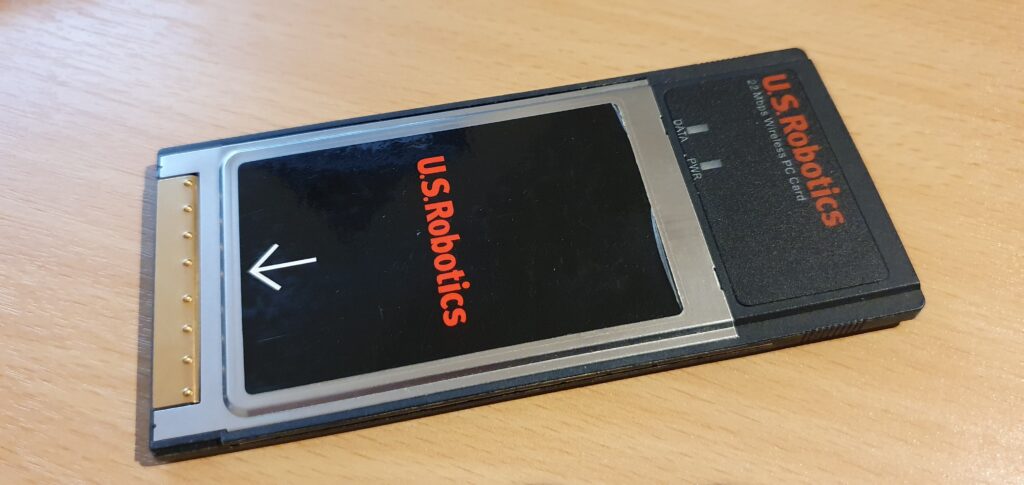
Wireless PC Cards were common accessories for laptops that did not include built-in Wi-Fi. Reusing one on Debian requires checking both the card interface and the chipset. A card with a familiar brand may have been sold in several hardware revisions, so the printed model is not always enough to identify its driver.
Check the system
Determine whether the card is detected before attempting network configuration. Consult the Debian Wi-Fi documentation for supported chipsets and firmware packages for the installed release. Some older cards cannot connect to modern wireless security configurations. In that situation, use a supported adapter instead of weakening the security of your network.
Document a reliable approach
When testing a compatible card, confirm that the radio is enabled and that the intended network is visible. Compare the results with another device on the same network. If firmware is missing, use the official Debian package sources appropriate for that release. Record the card identifier and the exact symptoms before requesting help.
For a related practical guide, read basic connectivity diagnostics. Browse more articles on the Debian Planet homepage.