Checking System Time and the Hardware Clock on Debian
Identify the issue
Accurate time is important for log analysis, package signature checks and scheduled work. Debian systems maintain a software clock while running, and most computers also provide a hardware real-time clock. The time zone controls how timestamps are displayed; it does not by itself correct an inaccurate clock.
Check the system
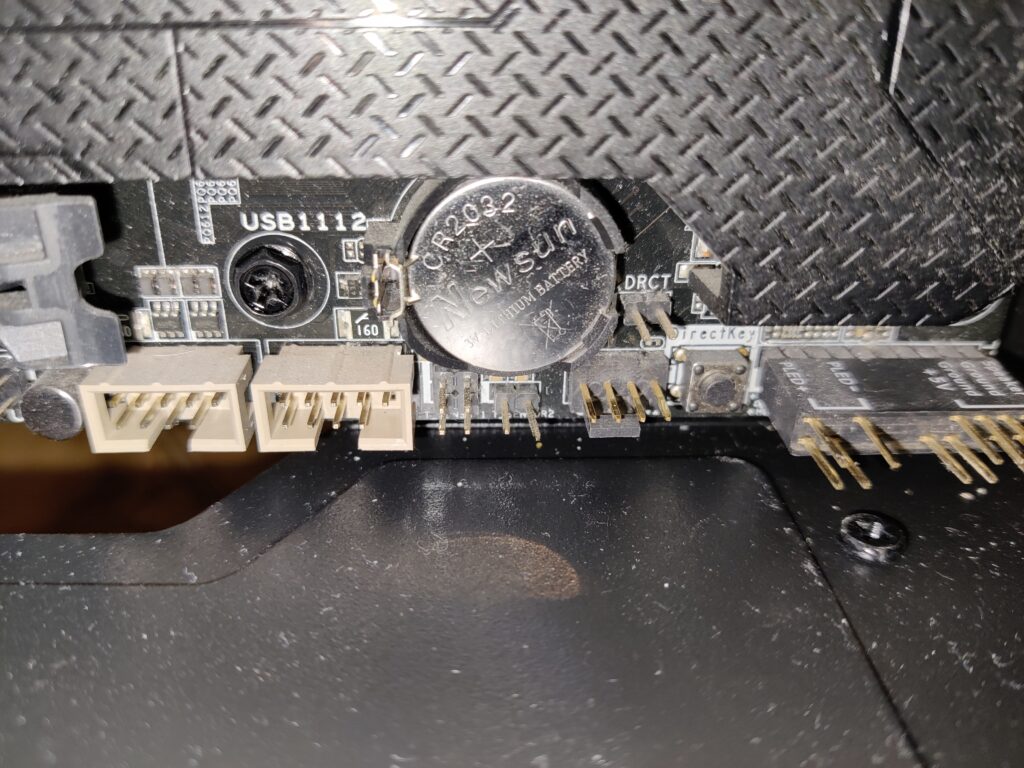
Check the current date, time zone and synchronization status before changing settings. On systems that use systemd, timedatectl can report these values. A machine that loses its time after being disconnected from power may have a hardware clock or battery issue, although the cause should be verified. Use the manufacturer’s instructions for any physical maintenance.
Document a reliable approach
If a computer is connected to a trusted network, configure an appropriate time synchronization service using the documentation for its Debian release. Avoid running several competing synchronization services without a reason. Compare log timestamps after correcting a serious time error, and keep in mind that earlier records may contain incorrect dates.
For a related practical guide, read system services and startup. Browse more articles on the Debian Planet homepage.