Understanding Serial Connections on Debian Systems
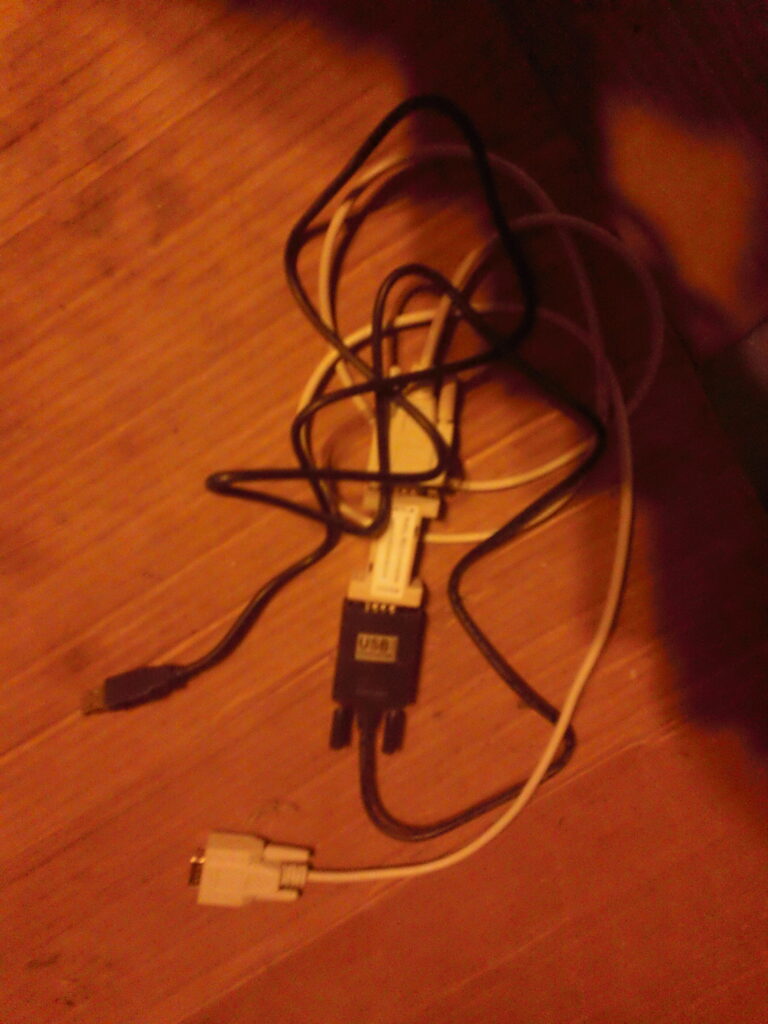
Identify the issue
Serial connections remain useful for certain older computers, embedded equipment and administration interfaces. Unlike a network login, a serial terminal depends on a physical connection and matching communication parameters. Identify the connector and electrical standard from the equipment documentation before connecting it; visually similar ports are not necessarily compatible.
Check the system
On Debian, traditional serial ports may appear as ttyS devices, while USB serial adapters often appear as ttyUSB or ttyACM devices. The exact name can vary. Inspect the available device information rather than assuming a particular number. A terminal application needs the correct baud rate, parity, stop bits and flow control to communicate reliably.
Document a reliable approach
Use the permissions recommended by the installed Debian release and avoid opening the interface to all users merely to solve an access error. Keep a record of the cable, adapter and equipment settings. For maintenance of equipment you own, test the connection with a harmless status operation before depending on it during recovery. Serial access complements rather than replaces documented network administration.
For a related practical guide, read remote maintenance options. Browse more articles on the Debian Planet homepage.