Working with USB Hubs and Peripherals on Debian
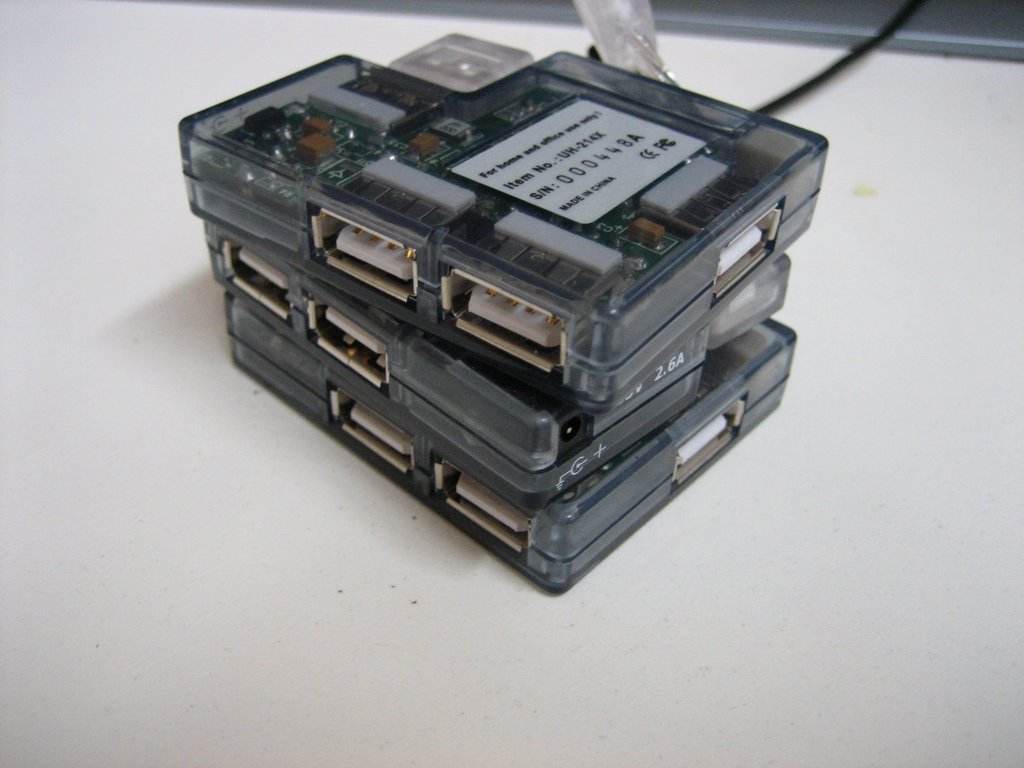
Identify the issue
USB hubs allow several devices to share a single port, but each connection has bandwidth and power limits. A keyboard may continue to work while a storage drive disconnects, especially on a bus-powered hub. Begin troubleshooting by connecting the affected device directly to the computer, using a known-good cable. This simple comparison removes several variables.
Check the system
The lsusb command can list devices detected by the kernel when the relevant utility is installed. Compare the list before and after plugging in the peripheral. A detected device may still need a supported driver, suitable permissions or enough power. Review kernel messages near the time of connection; do not assume every disconnect means the device itself is defective.
Document a reliable approach
For storage devices, safely unmount or eject them before removing the hub or cable. Avoid using an unstable connection for backups or system installation. If a powered hub is needed, choose one compatible with the device and follow its power supply specifications. Keep track of which ports and cables work so that future troubleshooting is repeatable.
For a related practical guide, read identifying detected devices. Browse more articles on the Debian Planet homepage.